
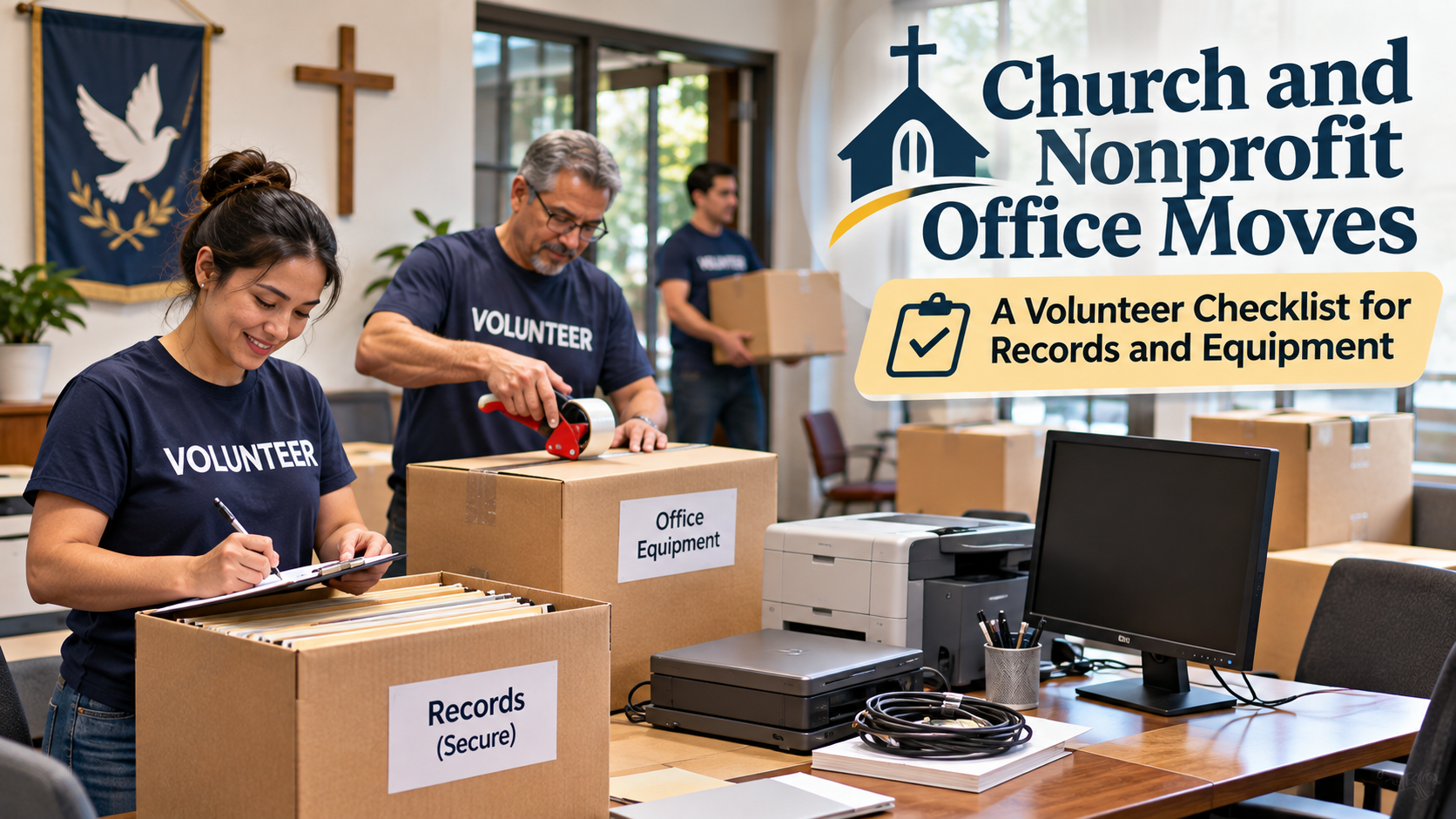

It is the Saturday before the lease ends. Eight volunteers have shown up with coffee and good intentions, but the sound board is still wired to the speakers, three file cabinets are locked, and nobody can say who holds the keys.
If you are figuring out how to move a church office or a small nonprofit space, the short answer is this: name a small team with clear jobs, inventory everything before you pack, move records and electronics separately from furniture, and tell members and donors the new address well ahead of moving day. The rest of this checklist shows how to do each of those things with a volunteer crew.
How to Move a Church Office: The Short Version
A church or nonprofit move works best in five stages: plan, inventory, pack, move, and announce. Planning and inventory take the most time and the least muscle, so start them first.
A realistic timeline for a small office looks like this:
- Six to eight weeks out: pick the move lead, form the team, and set the date.
- Four weeks out: finish the inventory and sort what to keep, donate, or shred.
- Two weeks out: start packing anything not used day to day, and send the first announcement.
- Moving week: pack the daily-use items, move electronics and records, then furniture.
- After the move: update addresses, test equipment, and send a “we’re open” note.
Build a Move Team With Clear Roles
A volunteer move needs one decision-maker and a handful of owners, not a crowd of equals. One person should lead, and every other volunteer should know which area is theirs.
For a small church or nonprofit, four roles cover most of the work:
- Move lead: keeps the schedule, answers questions, and has the final say on disputes.
- Records owner: usually an administrator or treasurer, who decides what files travel and how.
- Equipment owner: often the person who already runs sound, video, or computers on Sunday.
- Communications owner: writes the announcements and updates the website and social pages.
Match jobs to ability. A retired teacher can run the labeling station well. A college student can carry loads all day. The person with a bad knee should check boxes against the inventory, not carry file crates down stairs. Also ask every volunteer whether they can lift and carry before assigning anything heavy, and make it easy to say no.
Take an Inventory Before Anything Gets Boxed
An inventory is a written list of what you own, where it sits now, and where it is going. It prevents lost items, makes it obvious what you can leave behind, and gives you something to check against at the new location.
Walk each room with a clipboard or a phone. For every item or group of items, record the room, a short description, a condition note, and the destination. Photograph anything with a lot of cables, such as the sound booth or the office network closet, before you unplug it.
An inventory is also the cheapest chance to shrink the move. Offices tend to collect broken chairs, old hymnals, outdated brochures, and boxes nobody has opened in years. Decide early what gets donated, recycled, or thrown away, and assign someone to haul it out before packing begins.
Move Files and Donor Records Without Losing Track of Them
Paper and digital records should travel under the control of one named person, in labeled and sealed containers, and should never ride in a volunteer’s open trunk with the rest of the load. Donor files, counseling notes, personnel records, and financial documents all deserve this treatment.
Start by sorting. Before you box anything, ask whether you need it. According to Candid, nonprofits should have a written, mandatory policy for retaining and destroying documents, and staff should know it so nobody throws away something that must be kept. If your group does not have a policy, the move is a good prompt to write one, and a board member or accountant can guide the retention periods. Do not shred anything during a move unless your own policy says you can.
For records you keep:
- Use sturdy, uniform boxes and keep the weight manageable, because full file boxes are a common cause of strained backs.
- Keep folders in their existing order and label each box by drawer or category.
- Move locked cabinets with their keys, and note who holds the keys at each stage.
- Back up the donor database and accounting files before any computer is unplugged, and store the backup somewhere other than the office.
- Carry laptops, external drives, and any cash or checks yourself, not on the truck.
A few address changes sit outside the moving crew’s job and belong with your treasurer or a qualified advisor. Tax-exempt organizations, for example, have to report a new address to the IRS, and the IRS explains that this can be done on the next annual return or on a separate change-of-address form. Groups that are incorporated may also need to update the state. Colorado’s Secretary of State notes that its annual periodic report lets an entity update its principal office address, for instance. Confirm what applies to your group with someone who handles your filings, and put that task on the move lead’s list so it does not fall through the cracks.
Pack and Transport Sound and AV Equipment Safely
Sound and video gear is the most expensive and most fragile part of a church move, and it is often the least documented. Treat it as its own project with its own owner.
Begin with photos and a wiring diagram. Take pictures of the back of every rack, mixer, and amplifier, and label both ends of each cable with matching tape before disconnecting it. A simple scheme, such as “Mixer out 3 to Amp left,” will save hours when you rebuild the system.
Then pack by type:
- Microphones and small electronics: wrap each one individually and carry them in padded cases or small boxes, not loose in a bin.
- Cables: coil loosely, secure with Velcro ties, and keep each set in a bag labeled by use.
- Mixers and rack gear: use the original cases or road cases when you have them, and pad all sides when you do not.
- Speakers and monitors: protect the cones and corners with moving blankets and move them upright if the manufacturer recommends it.
- Projectors and screens: remove the lamp assembly if the manual advises it, and keep remotes and adapters in a labeled bag taped to the unit.
Do not leave electronics in a closed truck on a hot or freezing day. Extreme temperatures and condensation can harm circuit boards and screens, so move gear last when it is cold and load it near the cab, where it is easier to watch.
Heavy gear also needs more care than most volunteers expect. OSHA advises that material handling tasks should be designed to limit the weight, range of motion, and repetition involved. In practice, that means using dollies, carts, and two-person lifts for amplifiers and speaker cabinets rather than asking one volunteer to hoist them.
Know When Volunteers Should Hand Off the Heavy Work
Volunteers can handle most of a small office move, but a few items are worth passing to professionals, including pianos, safes, large organs, and anything that has to go up or down a long staircase. The risk of injury or damage to a building often outweighs the savings.
A few groups hire commercial movers in Colorado Springs for just the heaviest pieces and keep the rest of the move in-house. A split like that can lower the cost while keeping your volunteers away from the loads most likely to hurt someone.
When you ask for quotes for any partial move, be specific about what you need. List the items, the floors and stairs at both ends, parking and loading access, and any day or time limits from the landlord. Ask each company to confirm in writing that its crew is insured, and check whether your own building or church insurance covers volunteers who are helping on moving day.
Tell Members, Donors, and the Community About the Move
Announce the move early and repeat the message, because people do not read the first notice. A good plan is to share the news about six weeks out, remind people two weeks before, and send a final confirmation the week of the move.
Each message should answer the same short list of questions: the new address, the move date, any gap in service, how to give or contact the office during the move, and when the new space opens.
Use several channels at once. Print a note in the Sunday bulletin or newsletter, post on social media, email the mailing list, and update the website and online maps. Add a sign at the old location pointing to the new one for a few months.
Giving deserves special attention. If members mail checks to the office, tell them where to send them, and consider forwarding mail through the post office for a year. Confirm that online giving pages, bank statements, and any automatic payments show the right address. Donors who feel confused about where their gift went tend to stay confused, so a short thank-you and update after the move is worth sending.
Frequently Asked Questions
How far ahead should we start planning a church office move?
Start six to eight weeks before the move for a small office, and earlier if you have a large sound system or a lot of records. That window gives you time to form a team, finish an inventory, notify members, and book any outside help or a truck without rushing.
Who should lead a volunteer move?
Choose someone organized and respected rather than the most senior person. The move lead keeps the schedule, settles questions, and checks progress against the inventory. Often an office administrator or operations volunteer is a better fit than a pastor or executive director, who already carry other duties.
What should we do with old files we no longer need?
Check your written retention policy first, or have a board member or accountant help you set one. Keep anything the policy or the law requires, and shred or recycle only what is clearly allowed. When in doubt, box it, label it, and decide after the move.
How do we move sound equipment without damaging it?
Photograph the wiring, label both ends of every cable, and wrap each piece separately. Use original or padded cases, and keep gear out of very hot or cold vehicles. Move electronics yourself, load them last so they come off first, and test everything at the new space before the first service.
Do volunteers need any special insurance coverage?
Possibly. Church and nonprofit policies vary, and some do not automatically cover volunteers who are hurt or who damage property during a move. Ask your insurance agent before moving day, and ask any outside mover to confirm in writing that their crew is insured.
Plan the Move Around People, Not Boxes
A good church or nonprofit move is mostly a people project. The boxes, cables, and cabinets are easy to handle once someone owns each one, and the date, the plan, and the message to members are clear.
Start with the team and the inventory, protect the records and the audio gear as separate projects, and be honest about which loads are too heavy for volunteers. Then walk the new space one more time before moving day. A fifteen-minute walk-through often catches the problem that would have cost your crew an afternoon.